Getting started
Placement and sensor
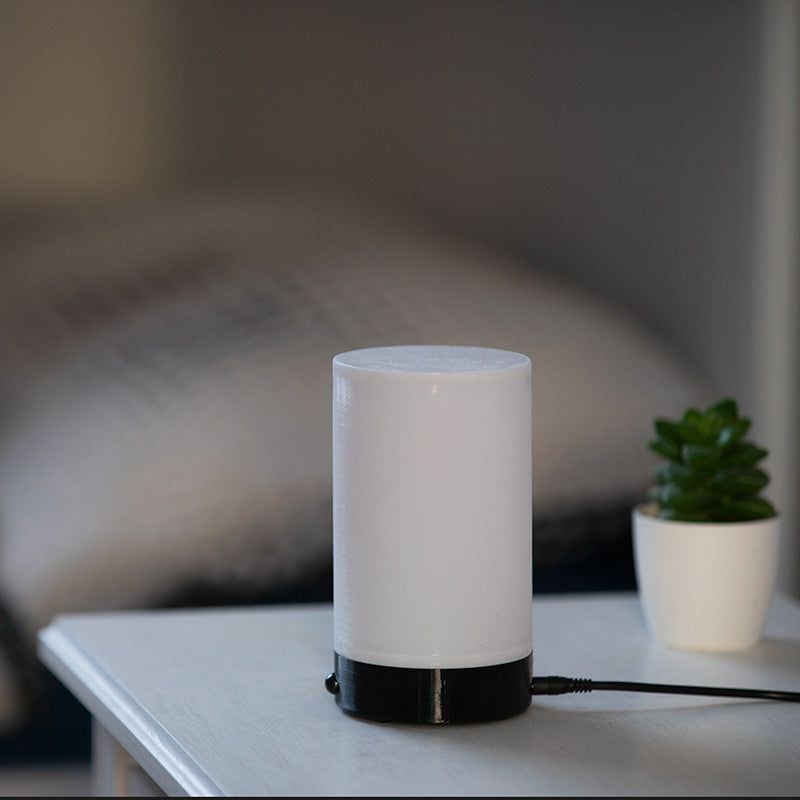
Put the lamp on the bedside table or mount it with a holder. Aim the sensor roughly at the sleeper's shoulders — if you can see the sensor from your bed, it can "see" you. Night recording and light waking are controlled by the app on your phone: Sleep as Android, or Noxuma Sleep for the Noxuma edition.
Editions
Which edition works with what
The regular V3 edition works with Sleep as Android, Mindroid and Noxuma Sleep on Android. The Noxuma edition also works with iPhone. Sleep Phaser V2 and older work with Sleep as Android only.
Mounting
Bed and wall holders
The headboard holder clips onto a board about 20–38 mm thick without tools. The interactive 3D guide shows the steps for all three holders. Files for your own 3D printing are free.
Service
Light colours and firmware updates
Change the light colours and intensity and update the firmware in the Sleep Phaser Remote Control app for Android. It works with Sleep Phaser V1, V2 and V3.
FAQ
When something does not work
How do I control the lamp without the phone?
On Sleep Phaser V2, touch the top of the lamp. Each touch switches the light mode: white → yellow → red → off.
The light switched itself off.
When used as a falling-asleep light, the lamp turns off automatically after 30 minutes. This is intended.
The app cannot find the lamp.
Check that Bluetooth is on and that the app has permission to access nearby devices. On iPhone you need the Noxuma edition.
Can I use more lamps?
With the Noxuma Sleep app, up to four lamps from one phone — each bed gets its own night. The DUAL pack contains two lamps.